
CRM Scalability: How to Grow Your System with Your Business
Published on June 19, 2025
When your business starts picking up speed, your Customer Relationship Management (CRM) system needs to keep pace. Scalability is about your CRM flexing and adapting as your operations and customer base expand.
Choosing a CRM that grows with you helps avoid the headaches of switching systems down the road. For instance, studies show that 91% of companies with over 10 employees use CRM software, underscoring how important it is to have a system that can evolve as your business does. A scalable CRM handles the load without missing a beat.

The stakes are high because budgets and time are limited. Your CRM’s ability to scale directly impacts how smoothly you manage contacts, nurture leads, and close sales. Businesses often report a near 30% boost in sales and a similar jump in customer retention once their CRM grows alongside them.
Self-hosted CRMs for WordPress have gained significant attention due to their customization capabilities and control over data. The adoption of self-hosted CRM solutions within the WordPress ecosystem has surged, reflecting a growing number of users seeking tailored solutions that fit their unique business needs. In this post, we’ll explore practical advice on effectively utilizing these systems, including how to implement integrations such as Jetpack CRM with MailChimp, preparing you not just for the current demands of your business, but also for future challenges.
Why Scalability in CRM Systems Changes the Game
As your customer base and sales process grow more complex, your CRM needs to handle all that extra activity without slowing down your team’s momentum.
Think about the numbers: companies adopting scalable CRM systems often see sales jump by almost a third and customer retention improve by more than a quarter. Those aren’t just stats — they show how a flexible CRM becomes your secret weapon in managing relationships better than ever.
- Keeping Up with Data: Your customer list is bound to grow. A scalable CRM is built to handle all that data smoothly and securely.
- Adapting to Change: Business processes evolve. The right CRM lets you tweak workflows without hitting a wall.
- Saving Long Term: It’s smarter to invest once in a system that stretches with you than to swap platforms every few years.
A CRM that scales ensures you can deliver the smooth, personalized customer experience today’s buyers expect.
How to Spot When Your CRM Needs to Grow
Knowing when your CRM starts to lag behind is vital — ignoring the signs can cause headaches that pile up fast. Here are the common clues that it’s time for a more flexible, powerful CRM setup.
Maybe your CRM chokes during busy times, taking forever to load pages or syncing data sluggishly. Or perhaps your team is constantly patching together manual workarounds — exporting spreadsheets, re-entering data, or cobbling integrations. These all point to a system that’s outgrowing your needs.
Another red flag is when adding new tools or plugins becomes a hassle. If your CRM feels like it’s resisting integration with key apps, like WordPress plugins or sales automation tools, your workflow may be stuck in first gear. For inspiration on streamlining your process, check out this guide on automating your sales process with a WordPress CRM.
- Sluggish Performance: Crippling lag especially when your customer interactions spike.
- Sync Failures: Data doesn’t match up across different platforms or updates get delayed.
- Outgrowing Capacity: Too many customers, not enough system horsepower.
Many businesses realize they’ve hit a ceiling only after efficiency drops or opportunities slip through the cracks. Catching the warning signs early helps you dial in the right solution, whether that means scaling up your current CRM or switching to a more nimble one.
Picking a Scalable CRM: What Really Matters
Finding a CRM that grows alongside your business takes more than just checking off features. You’ll want to weigh your current and future needs carefully to avoid outgrowing your system again too soon.
For WordPress users, integration is king. Your CRM should plug effortlessly into your website and favorite tools. Take, for example, how Jetpack CRM works with the KnowAll Theme to smooth out workflows and cut down on manual updates.
Also, don’t underestimate the power of a clean, easy interface. If your team struggles with complicated menus or confusing dashboards, you’ll get less mileage out of your CRM. Look for options that let you customize features too—add what you need, ditch what you don’t. This approach keeps costs and complexity in check. For smart budgeting tips, see how to stop paying for features you don’t use.
Costs matter beyond the sticker price — think about long-term investments in extra users, add-ons, and integrations. Good support and training can make a big difference in how quickly your team gets comfortable, so factor that in as well.
With these considerations top of mind, your CRM will be a better fit for today and tomorrow.
Scaling Up Your CRM on WordPress: Practical Tips That Work
Growing your CRM within the WordPress ecosystem brings its own perks and challenges. Here are some grounded tips to help you scale smoothly without overwhelming your setup.
Start with a CRM designed to scale gracefully. For example, Jetpack CRM offers modular features so you can add what you need, when you need it, keeping your costs aligned with your growth.
- Stay Updated & Integrated: Regularly check for CRM updates and integrate with popular WordPress plugins. This keeps your sales and customer management running like clockwork.
- Invest in Training: Even the best software falls flat if your team isn’t confident using it. Check out guides like integrating Jetpack CRM with Awesome Support to empower your crew.
Another must-do is keep an eye on how your system performs. Monitoring usage and spotting potential snags early helps avoid workflow disruptions. Dashboards that flag bottlenecks give you a heads-up so you can fix problems before they spiral.
Pair that with routine backups and maintenance and you’re building a CRM setup that’s ready to stretch with your WordPress business, not hold it back.
Stories from the Field: How Businesses Successfully Scaled Their CRMs
Sometimes real-life stories say it best. Let’s look at examples of businesses that have scaled their CRMs and what they learned along the way.
Imagine a small e-commerce shop that started with a simple WordPress setup and a basic CRM in spreadsheets. As their customer numbers grew, their system started to lag — slow load times, clunky data management, and painful integration issues. Switching to a WordPress CRM was a game-changer. They even streamlined payments by integrating PayPal with Jetpack CRM, simplifying the checkout experience and customer tracking.
Then there’s a solopreneur overwhelmed by incoming inquiries. The original CRM was too basic to handle their workload, so upgrading to a scalable system with automation gave them breathing room. Their customer retention improved noticeably, and managing growing demand became manageable. Learn more in this guide on automation tips for WordPress CRM.
- Faster Responses: Upgraded systems helped businesses tackle workloads efficiently and respond faster to customers.
- Smoother Integrations: Connecting different platforms kept workflows seamless, critical during periods of rapid growth.
These stories show that scaling your CRM isn’t just a tech update – it’s a forward-thinking move that protects your business and helps you thrive.
Making Your Current CRM Work Harder as You Grow
Upgrading your entire CRM isn’t always necessary. Sometimes a smart tweak can keep your existing system running smoothly as your business grows.
Start by pinpointing what’s holding your current CRM back. What features aren’t pulling their weight? What doesn’t fit your new business direction? If integration gaps exist, say with popular WordPress plugins, exploring add-ons or modular options can make a big difference. For example, check out the advice on integrating Jetpack CRM with Give WP.
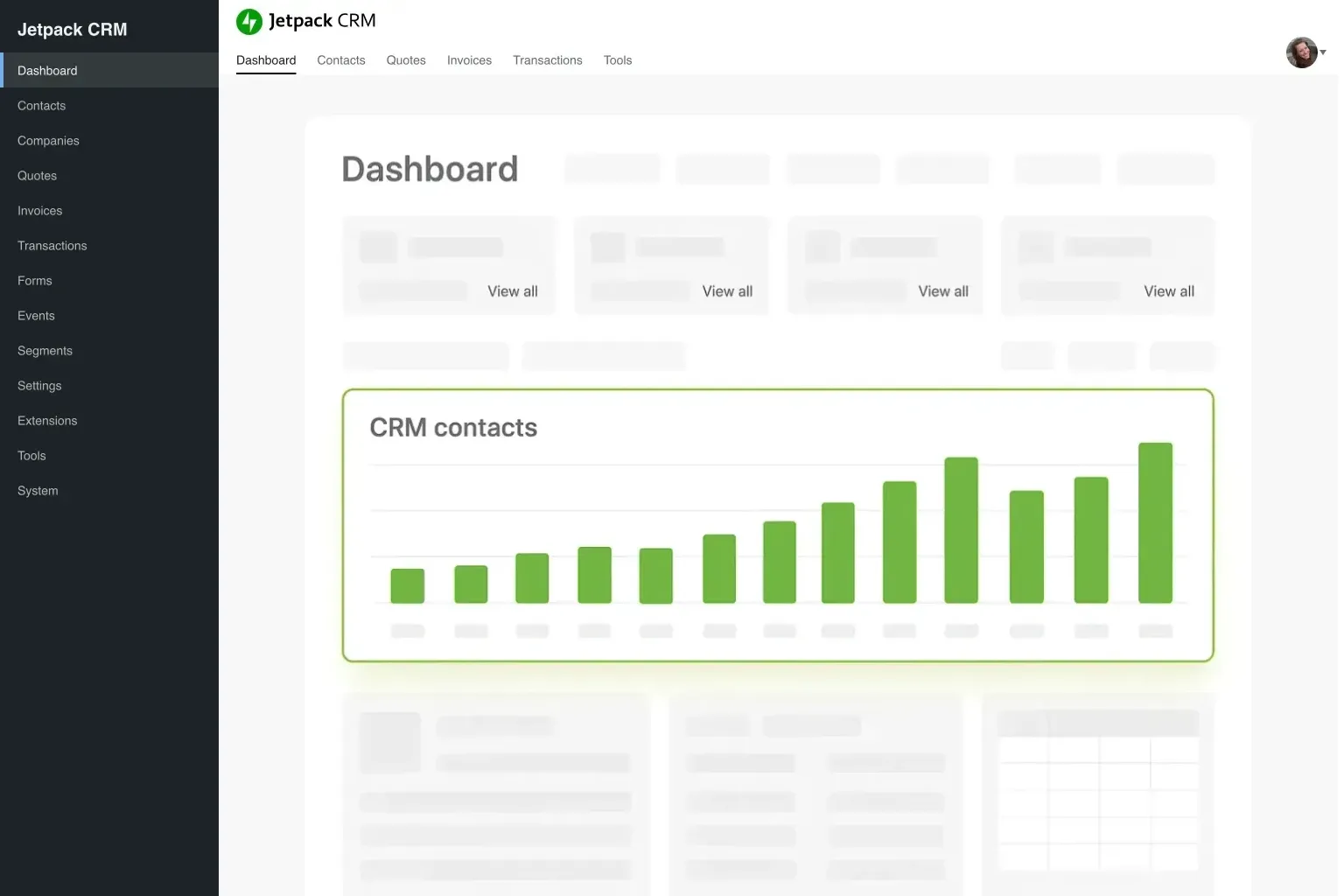
Next, consider decluttering your CRM’s interface. A streamlined dashboard helps your team find the info they need fast, cutting frustration and errors. Many business have boosted productivity simply by focusing on core functions and ditching unnecessary extras.
It’s also smart to schedule regular check-ins to track CRM performance. Here’s a sample table that helps spot issues early:
| Issue | Frequency | Action Required |
|---|---|---|
| Slow Data Sync | Weekly | Integrate more efficient data processing modules |
| UI Clutter | Monthly | Review modules and feature usage |
| Integration Lags | Occasional | Update APIs or switch to more compatible plugins |
Don’t forget training, too. Giving your team time to learn new features or workflows can yield big payoffs in efficiency and customer satisfaction. Many businesses find success by making steady improvements rather than rushing a full overhaul.
With a careful approach, you can squeeze more from your current CRM and set the stage for future growth without jumping straight to a new system.
Staying One Step Ahead by Choosing a Scalable CRM
To wrap up, building scalability into your CRM isn’t just smart — it’s essential for keeping pace with your business’s trajectory. A scalable CRM handles more data, integrates smoothly, and keeps your team productive whether you’re managing daily tasks or planning long-term strategies.
Growing your CRM is an ongoing journey. It means regularly reviewing what you have, updating features, and embracing new technologies. Modular CRMs are leading the charge, with many businesses enjoying notable sales growth and happier customers.
Looking for ways to optimize this journey? Check out resources like self-hosting your CRM for a tailored, cost-friendly setup. For sales process insights and automation support, the article on automating your sales process is a handy tool.
At the end of the day, a scalable CRM helps you meet challenges head-on and grab opportunities as they come. With steady improvements and smart choices, your CRM becomes more than software — it’s a partner in your long-term success.
FAQ: Common Questions About CRM Scalability
What does CRM scalability mean?
CRM scalability refers to the ability of a Customer Relationship Management system to grow and adapt to increased data, more users, and additional features over time. It ensures that the system can handle higher volumes of customer interactions and more complex processes without compromising performance.
Why is scalability important for a CRM?
Scalability is essential because as your business grows, the demands on your system increase. A scalable CRM ensures that you do not experience system slowdowns, data management issues, or integration problems as customer numbers and data volume increase.
How can I tell if it’s time to upgrade my CRM?
Look for signs such as frequent crashes, slow data synchronization, and the need for manual workarounds. These issues indicate that your current system is struggling to keep up with your growing business requirements.
Are cloud-based CRMs more scalable?
Yes, cloud-based CRMs (like running WordPress and Jetpack CRM in the cloud) offer greater flexibility and scalability compared to traditional on-premise systems. Their infrastructure is designed to scale easily, accommodating growth in data and user activity. Adoption rates have soared, with many businesses preferring cloud and native WordPress solutions for these very reasons.
Can I modify my current CRM to improve scalability?
In many cases, modifications such as streamlining the user interface, adding integrations, and optimizing data management practices can significantly improve the scalability of your existing CRM. However, if limitations persist, it might be time to consider an upgrade to a fully scalable system.
How do I ensure my CRM integrates well with other tools?
Choose a CRM that offers robust integration features, especially if you rely on other platforms like WordPress. Regular updates and the use of trusted plugins can ensure seamless connectivity between your CRM and other tools.

 airline