How to Build a Strong CRM Strategy in 10 Steps (With Examples)
Published on June 10, 2025
Running a business today means more than just keeping a list of customer contacts. A solid Customer Relationship Management (CRM) strategy helps you truly understand your customers, track your interactions with them, and build relationships that last. In a world flooded with digital noise, a personal touch makes all the difference in keeping customers coming back and boosting your sales.
Picture your small boutique where every customer feels known and appreciated. A good CRM doesn’t just store names and emails; it remembers what each person bought, what they like, and even triggers personalized offers when the time is right. It’s like having a reliable assistant who never forgets a detail. Studies show that businesses investing time and tools into CRM see happier customers and better sales numbers.
- Stronger customer loyalty
- Clearer, more targeted communication
- Decisions backed by data instead of guesswork
For solopreneurs and WordPress users, a solid CRM strategy can simplify daily communication challenges. Whether you’re just starting out or scaling up, having all your customer information in one place can streamline your work, deepen your connections, and increase the value each customer brings over time.
Getting familiar with what makes CRM strategies work lays the foundation for a more organized, insightful, and successful business. Let’s dive into the basics and show you how to create a strategy that fits your needs—and your WordPress setup.
The Building Blocks of a CRM Strategy

Before rolling up your sleeves, it helps to understand the core pieces of a CRM strategy. At its heart, a good CRM system organizes customer information neatly, automates repetitive tasks, and turns your data into actionable insights.
Here are the essentials:
- Customer data management: Centralize all your customer details so you can easily sort and personalize your communication.
- Process automation: Automate routine work like follow-up emails or appointment reminders to save time and reduce human errors.
- Analytics and reporting: Use data tools to spot patterns in customer behavior and track what’s working or what needs a tweak.
Making your CRM play nicely with other tools you already use—like email marketing plugins or e-commerce systems—makes life easier. For WordPress users, integrating your CRM with popular plugins can create a smoother workflow, as explained in this step-by-step guide.
Grasping these basics not only points you in the right direction but also helps tailor your CRM strategy to exactly what your business needs. Up next: how to set yourself up for success with clear goals and targeted audience insights.
Step 1: Pinpoint What You Want from Customer Relationships
Before anything else, figure out what you want to achieve with your CRM. Vague goals make it tough to measure success or know when to pivot. Are you aiming to bring back more customers? Speed up response times? Boost overall satisfaction? Getting specific helps you track your progress and stay focused.
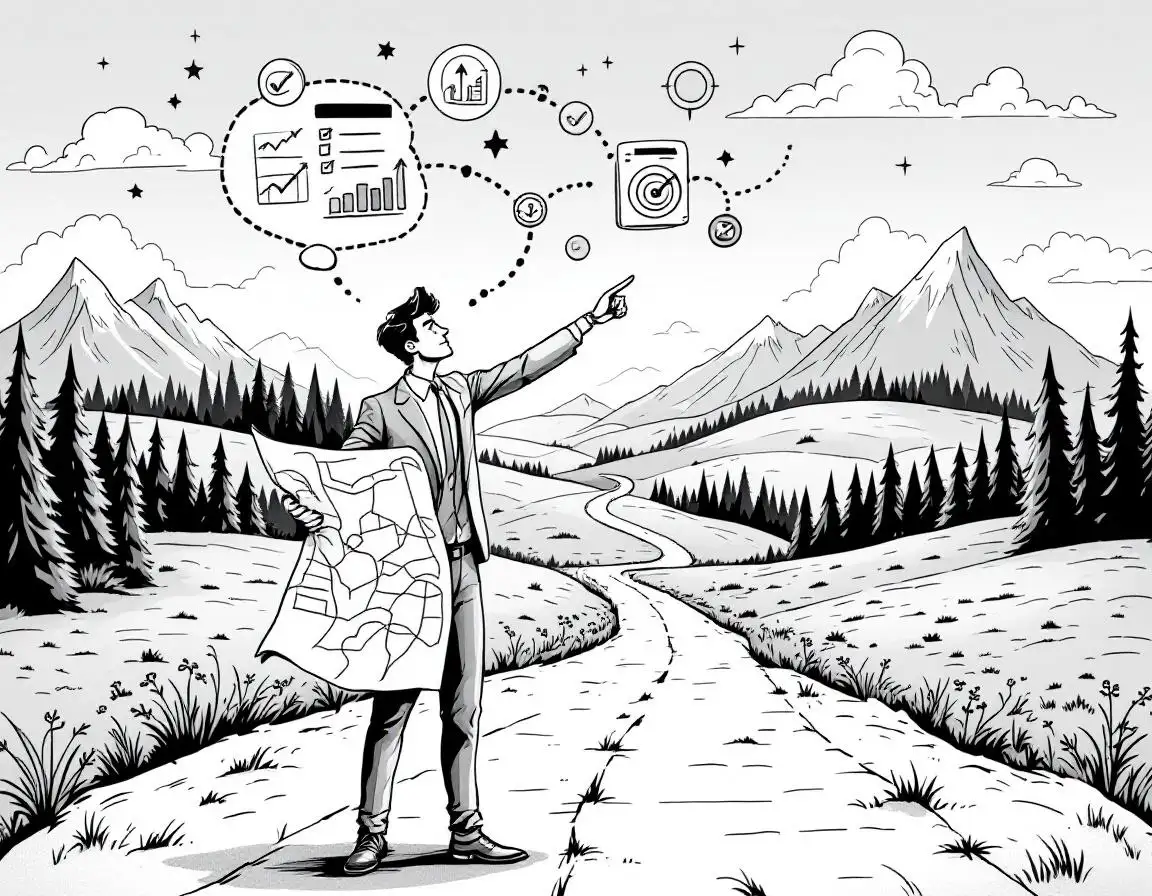
Start by looking at where you currently stand—what parts of your customer service could use improvement? Ask yourself: how can I make interactions feel more personal? What results do I want from these relationships? Writing down your goals creates a clear path forward.
Setting a few key performance indicators (KPIs) makes your goals easier to follow. Common KPIs are response time, customer satisfaction ratings, or repeat purchases. Checking these regularly keeps you honest and aligned with your goals.
For example, if keeping customers coming back is your target, maybe aim for a 15% boost in repeat sales over six months. This sharpens your focus on which workflows to automate or reports to run.
Defining your goals is like choosing a destination before planning your trip—without it, you might wander but never truly arrive.
Clear goals form the foundation of everything that follows, making sure every step supports your bigger vision.
Step 2: Get to Know Who You’re Talking To
With clear goals, the next move is to understand your audience inside and out. Who are your customers? What problems do they face? What motivates them? Diving into demographics, behaviors, and preferences lets you customize your messaging and services.
Gather data from your website stats, customer surveys, and social media insights to build detailed customer personas. Say you run an online boutique—you might find your core shoppers are young professionals or fashion lovers. These profiles guide your tone and content to resonate on a personal level.
Think about the customer journey, too. Different stages call for different types of communication. Breaking down your audience into segments sharpens your targeting, like this:
| Segment | What to Know |
|---|---|
| New Customers | First-timers needing a bit more guidance and reassurance |
| Returning Customers | Familiar with your brand, often value loyalty perks |
| VIP Customers | Big spenders who expect exclusive treatment |
Pinpointing your audience ensures your CRM strategy is focused and effective. Upcoming steps will show you how to pick and set up tools that serve these customers best.
Step 3: Find CRM Tools That Actually Work for You
Picking the right CRM platform isn’t just about broad features—it’s about what fits your workflow and goals. Look for software that’s easy to use, plays well with your current setup, scales as you grow, and has features that really matter to your business.
Many solopreneurs and WordPress users benefit from CRM solutions built with small teams in mind. For example, platforms like the one described in this guide on automating sales with a WordPress CRM offer everything from data management to automated nurture sequences.
Before committing, make a checklist of must-have features, including:
- Centralized customer data
- Automation for repetitive tasks
- Robust analytics and reporting
- Seamless integration with tools you already use
Also, don’t forget about pricing and future-proofing. You want a CRM that can grow with you—not become a headache down the road. The best tools flex with your needs, helping you deepen customer bonds and boost efficiency.
Step 4: Connect Your CRM with the Systems You Already Use
Once you have your CRM, make it part of your larger toolkit. Connecting it to your e-commerce platform, email marketing service, and other apps ensures your customer data flows smoothly and eliminates repetitive manual work.
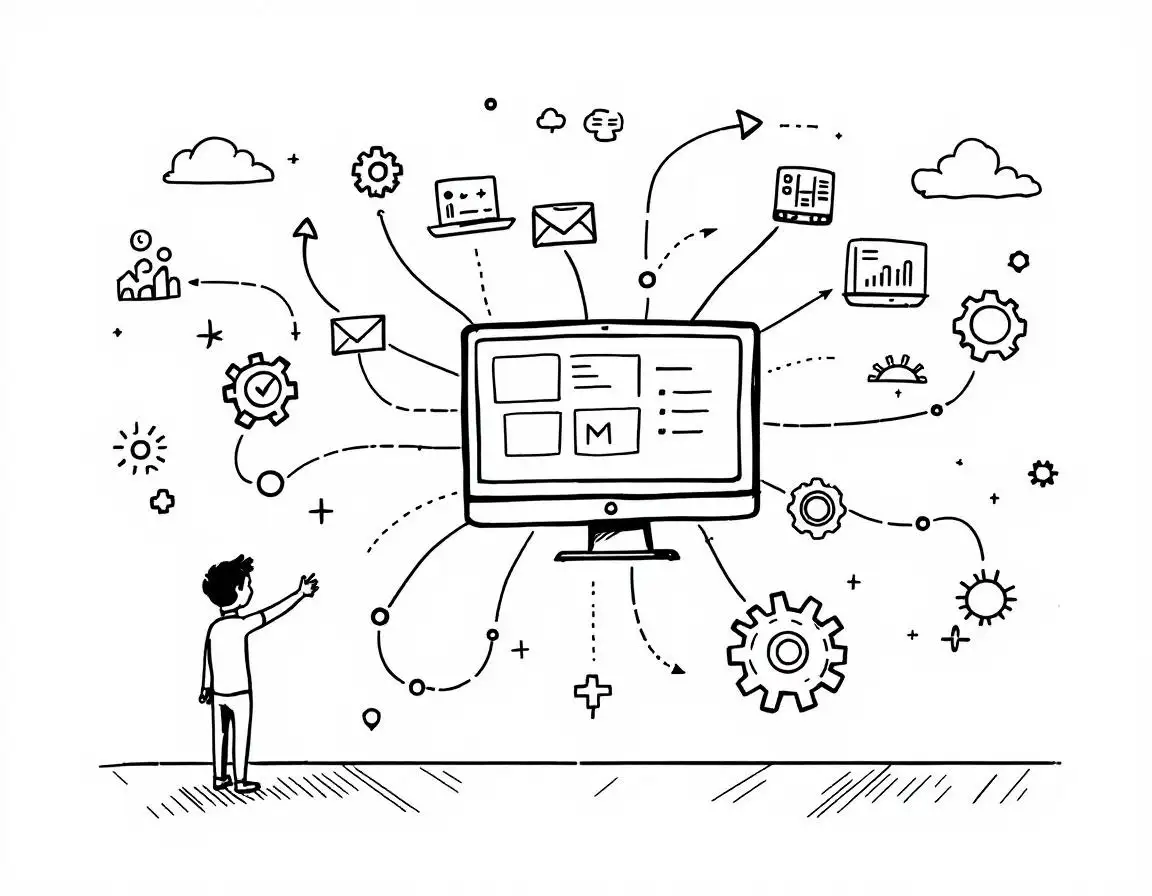
WordPress users can tap into plugins that integrate CRM right into their site and workflows. Check out resources like this step-by-step integration guide for practical tips on making it all work together.
These integrations don’t just save time; they help keep your data accurate and offer a fuller picture of each customer’s journey. Using APIs or pre-built connectors to link systems lets you automate tasks like updating records or segmenting customers automatically.
Your CRM system acts like the nervous system of your business, keeping information flowing seamlessly between all parts.
Starting integration early means fewer headaches later and smoother operations overall, which lets you focus on building relationships instead of managing data.
Step 5: Shape Your CRM to Fit Your Workflow
With your CRM in place and hooked up, it’s time to make it your own. Customizing your CRM means setting up dashboards, workflows, and alerts that match how you do business and what your customers expect.
Think of it like tailoring a suit—it needs to fit just right. This could mean adding specific fields to track unique customer info, automating alerts for important events, or designing dashboards that spotlight the metrics that matter most to you.
Some solopreneurs go a step further by self-hosting their CRM for maximum control and security. If you’re curious, check out this beginner’s guide to self-hosting your CRM.
Customizing also means designing workflows that mirror your sales process—from when a lead first shows interest to post-sale follow-ups. For instance, if customer support is a priority, you can set up triggers that automatically assign tickets based on queries.
A CRM that adapts to your process means less busywork and a smoother experience for both you and your customers, making loyalty easier to build over time.
Step 6: Get Your Team Comfortable and Confident with the CRM
A CRM only works if the people using it know how to get the most out of it. Training your team helps them handle data accurately and keep communication consistent.
Effective training includes hands-on sessions, clear manuals, and easy-to-access help. Regular refreshers keep skills sharp. Role-playing real customer situations can make the learning stick and boost confidence.

Creating an internal guide covering basic to advanced features—complete with FAQs, step-by-step instructions, and videos—can be a big help. As your business grows and your CRM evolves, update training materials and gather feedback so everyone stays in sync.
Training isn’t just about learning software; it’s about building a culture that values great customer care and proactive engagement.
When your team feels confident with the CRM, they can turn raw data into meaningful action, making your whole operation run more smoothly.
Step 7: Build a Reliable Rhythm for Customer Communication
Keeping in touch with customers regularly and thoughtfully is the foundation for lasting relationships. A communication plan helps you deliver the right message at the right time, no matter the channel.
Start by choosing the primary channels you’ll use—email, phone, social media—and then build a calendar that schedules everything from follow-ups and promotions to thank-yous. Planning ahead avoids the trap of erratic or forgotten outreach. Mix formats like newsletters, blog posts, and SMS to meet different preferences.
Automating recurring touchpoints with your CRM takes the pressure off while keeping engagement consistent. For example, after a purchase, automatically send a follow-up to collect feedback or suggest related products. Guides like this MailChimp integration tutorial show how to tailor and automate communications smoothly.
Consistency doesn’t just keep your customers informed—it builds your brand’s voice and earns trust over time. A steady, well-planned communication strategy turns casual shoppers into loyal fans.
Step 8: Learn from Customer Feedback and Your Data
Customer opinions and behavior data are your best friends when it comes to improving your CRM strategy. Modern CRMs come with tools that help you track key metrics and uncover trends beyond the obvious.

Create dashboards that showcase customer satisfaction, response times, buying patterns, and more. Visual charts make spotting issues or wins quicker. Using connections like Zapier integration can automate data collection, keeping your figures up to date without extra effort.
But it’s not just about numbers—dig into the story behind the data. A drop in engagement might mean your messages need tweaking or your website needs a refresh. Feedback points out what’s working and flags what’s missing.
Feedback is a conversation, not just data—treat it as a chance to refine and improve.
By actively analyzing customer input and behavior, you turn your CRM into a learning system that grows smarter and more effective over time.
Step 9: Keep Tweaking Your CRM Strategy
In customer management, standing still means falling behind. Regularly reviewing and fine-tuning your CRM keeps your approach fresh and aligned with changing needs.
Set aside time every few months to assess how your workflows, automations, and communications are performing. Are your customers responding? Are there bottlenecks? What could be smoother?
If an automated email sequence isn’t engaging, try adjusting the message, timing, or frequency. Your team’s firsthand experience is a goldmine for spotting friction points—make sure you listen and make updates accordingly.
Also keep an eye on new features or tools your CRM platform offers. Adding a helpful new integration or automation can give your strategy a boost.
Small, ongoing improvements compound over time, turning a good CRM plan into a great one.
The key is to stay curious and flexible, letting your CRM evolve with your customers and your business.
Step 10: Watch Your Results and Be Ready to Adapt
The last—but ongoing—step is to keep a close eye on how your CRM efforts pay off and be prepared to tweak your approach as needed. This continuous monitoring turns your CRM from a static system to a dynamic growth engine.
Regularly check key metrics like engagement, retention, and satisfaction. Use your CRM’s analytics dashboards to spot what’s moving the needle. When something isn’t working—say an automation falls flat—adjust and watch what happens.
Encourage your team to share observations—it’s a fresh perspective that complements the data. Track changes in a simple table to see what works and what doesn’t over time.
Don’t forget to revisit the goals you set early on. As your business grows, your priorities might shift; your CRM should shift with you.
Successful CRM strategy is a living process—always learning, always adapting.
This responsive mindset helps you build deep customer relationships and steadies your business growth for the long haul.
Real Stories: How CRM Strategies Make a Difference
Nothing drives the point home like real-world experience. Take a solopreneur running an online boutique who used CRM to track purchases, spot seasonal trends, and send targeted offers. This personal touch boosted both sales and customer loyalty.
Another example comes from businesses that pair CRM with their email marketing. Companies using Jetpack CRM with MailPoet automate timely, relevant follow-ups that feel personal and prompt more repeat business.
The key lessons from these stories? Know your audience inside out, automate where it counts, and keep listening through feedback to adjust your approach. Some even use tools like Zapier—which you can learn about here—to tie everything together smoothly and react quickly to changing needs.
These success stories confirm that customizing your CRM to your business and customer needs isn’t just a theory—it’s a practical way to grow stronger relationships and a stronger business.
Growing a CRM Strategy That Keeps Pace with Your Business
Wrapping up, remember that a robust CRM strategy isn’t a set-it-and-forget-it project. It’s an ongoing journey where you define goals, learn from data, and adapt continuously.
By building flexibility into your approach and regularly reviewing your strategy, you make sure it grows with your business—not against it. Like tending a garden, your CRM needs regular care to reward you with flourishing customer connections.
Drawing from real examples, businesses that blend personalization, smart data use, and constant learning stay ahead of shifts in customer expectations. Keeping an eye on performance and responding thoughtfully keeps your CRM tools working their hardest for you.
Ultimately, building a strong CRM is about creating a culture focused on your customers. This mindset nurtures loyalty and turns every interaction into an opportunity for growth. With dedication and clear planning, your CRM can evolve to meet today’s demands and tomorrow’s challenges—setting the stage for ongoing success and meaningful relationships.
Frequently Asked Questions
What is a CRM strategy and why is it important?
A CRM strategy is a plan that outlines how your business will use customer data, communication, and technology to build and maintain customer relationships. It is important because it helps improve customer satisfaction, streamlines communication, and ultimately drives sales growth.
How do I start building a CRM strategy?
The first step is to define clear customer relationship goals. Next, identify your target audience followed by choosing and customizing the right CRM tools to fit your business needs. Training your team and regular monitoring are also essential parts of a successful strategy.
Can small businesses or solopreneurs benefit from a CRM?
Yes, absolutely. Even though many people assume CRM is only for large enterprises, small businesses can greatly benefit from a well-implemented CRM strategy. It helps in organizing customer information, automates repetitive tasks, and enhances personalized communication.
What are some key features to look for in a CRM tool?
You should look for features like centralized customer data management, automation capabilities, integration with existing systems, analytics and reporting tools, and customizable workflows. These features help tailor the system specifically for your business needs.
How often should I review and optimize my CRM strategy?
It is advisable to continuously monitor the performance of your CRM strategy. Regular reviews—ideally quarterly—can help you gauge the effectiveness of your current processes and implement necessary adjustments over time.

 airline